Your week, in the corner of your screen.
A small menu-bar app for your tasks. Today and overdue at a glance, a shortcut to capture a task from any app, and one line from Hespia each morning. Same account, same data, live.
macOS 14 or later. Free with your Hespia workspace. Apple silicon and Intel.

Today, in the menu bar
Click the icon and see what is due today and what slipped. The count sits in the menu bar all day, so you never have to go looking.
Capture from anywhere
Press ⌃⌥Space in any app, type, hit Enter. It lands on today’s list. Add #tags, or end with “tomorrow” or “next week” to date it.
One line from Hespia each morning
The same line as your daily brief: the KR that needs a check-in, the task that keeps slipping. A reason to look, not just to type.
The same tasks as the web
Tick something off on the Mac and the web updates in the same second, and the other way round. One account, one list.
The account you already have
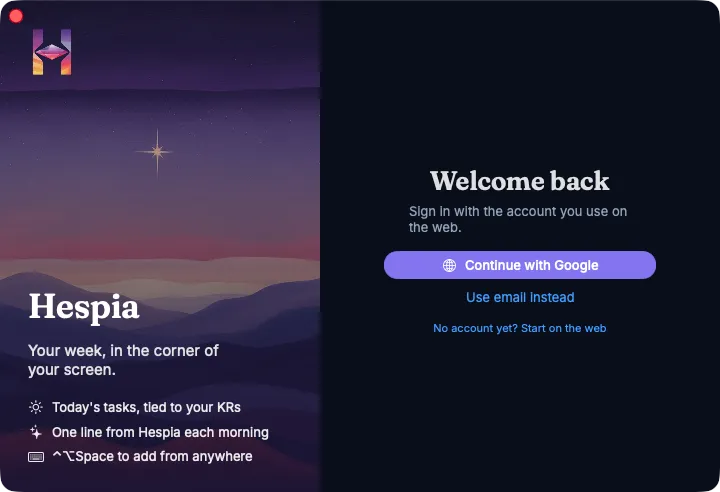
Sign in with Google or your email, pick your workspace, and your list is there. Nothing to set up twice. Close the window and Hespia stays in the menu bar.
Opening it the first time
The beta isn’t notarized with Apple yet, so macOS asks you to confirm once. Unzip, drag Hespia to Applications, then:
- Open Hespia. macOS says it can’t verify the developer. Click Done.
- Open System Settings → Privacy & Security, scroll down, and click Open Anyway next to Hespia.
That’s it, once per version. Hespia runs in the App Sandbox with network access only. It never reads other apps or files.
Something off? Write to us.